All simulations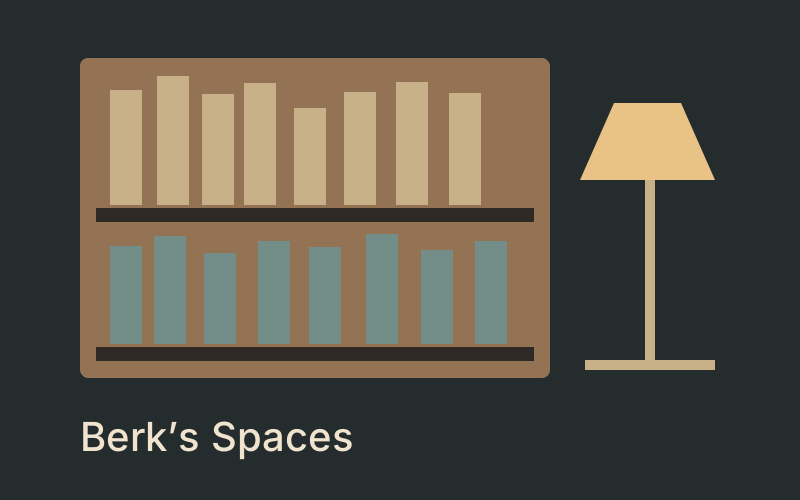
Simulations
Berk's Space
Your books, notebooks and collections, at home in a cabin, a daylight studio or a glass-fronted retreat. Choose a landscape, set the weather and make the space your own.
- Languages
- English, Turkish
Read your EPUB and PDF books, design covers, write and draw in live 3D notebooks, or take your collection into a forest or coastal cabin.
How to use it
- Import EPUB, PDF or TXT, or create a notebook. Files stay in this browser.
- Use Covers / Table to search, sort and edit book details.
- Write, draw and place photos in Page, 3D notebook or Text editor.
- Read your books in flat or 3D view. Download backups before changing devices.
- Choose a forest or coastal cabin, carry books and change weather. Music is opt-in.
Keyboard
- WASD / arrows
- Walk or drive
- Drag
- Look around
- E
- Interact / sit / stand / enter or exit a vehicle
- Esc
- Close editor
Phone
- Tap
- Select a book or action
- Left stick
- Move
- Drag page
- Draw in a notebook
Questions and answers
- Can I read my own books?
- Yes. Import DRM-free EPUB, PDF and TXT files. Embedded covers and metadata are extracted; correct them in the table or editor. EPUB uses a simplified reflowed reading layout; PDF text search is not supported.
- Where are my books saved?
- In this browser’s IndexedDB, separated by account. Guests share this browser’s guest collection. Export a backup to transfer devices; there is no automatic cloud sync.
You may also like
 Endless DreamDrift through an endless cloudscape, find your footing and keep exploring.
 Mythos CaelumExplore the planets and their mythological stories above a campfire.
 Planet ExplorerInspect Earth, the Moon, the Sun and every planet in 3D. Rotate each world and compare its radius, gravity and the direction of sunlight.