All simulations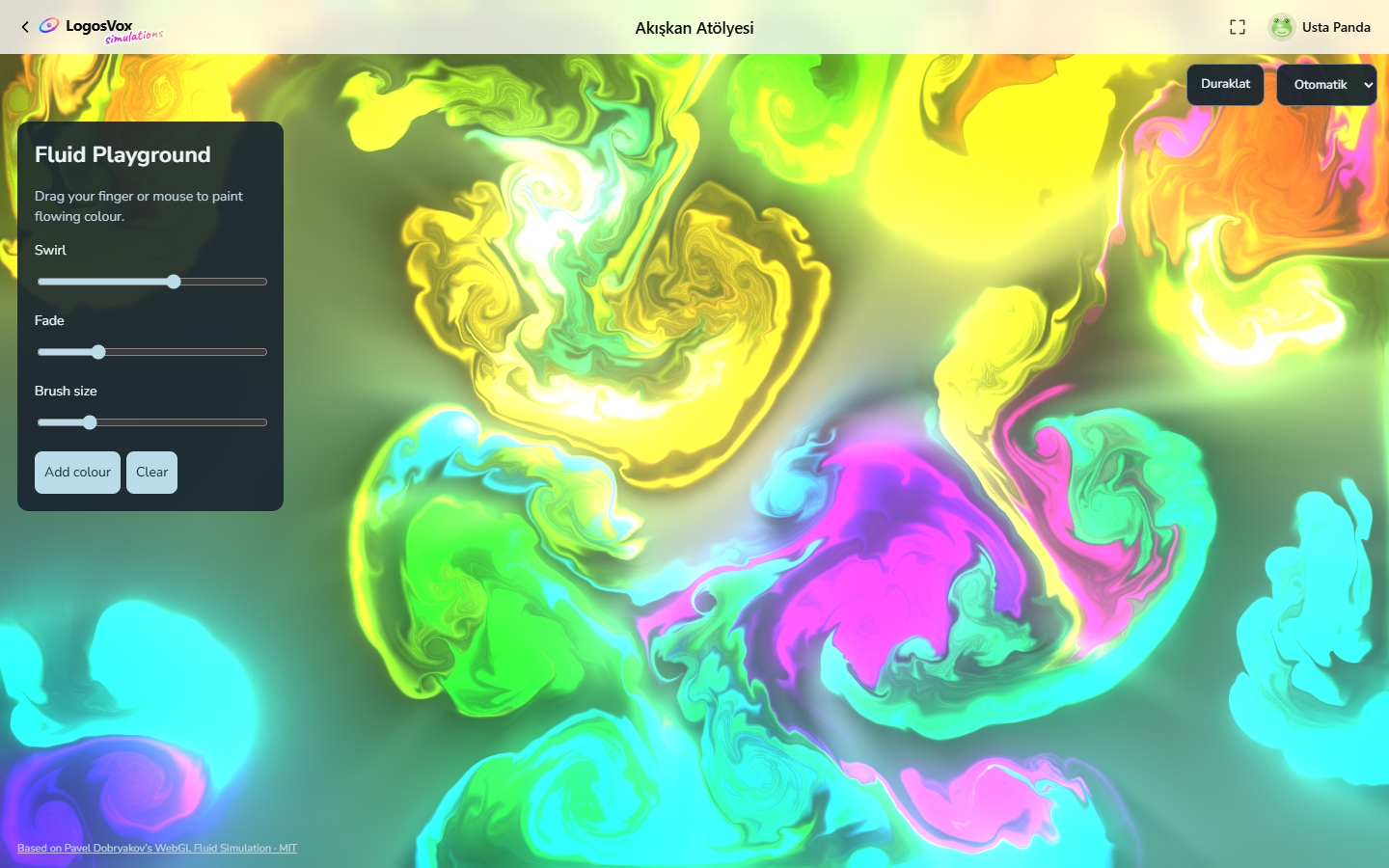
Simulations
Fluid Playground
Paint colourful currents, swirl them together and experiment with flow.
- Languages
- English
Paint swirling fluid with your mouse or finger. Adjust the brush, swirl and fade, add fresh colour, or clear the canvas and begin again.
How to use it
- Drag across the canvas to paint flowing colour.
- Change Swirl, Fade and Brush size in the panel.
- Press Add colour for a burst, or Clear to start over.
- Press P to freeze the flow and Space for random splashes.
Keyboard
- Mouse drag
- Paint colour
- Space
- Random splashes
- P
- Freeze or unfreeze the flow
Phone
- Drag
- Paint colour
- Several fingers
- Paint several streams at once
- Add colour
- Burst of colour
- Clear
- Empty the canvas
Questions and answers
- Do I need an account?
- No. Open the simulation directly in a recent browser.
- Which controls can I use?
- Touch input on phones and a mouse or keyboard on computers. Graphics settings let you reduce rendering cost.