All simulations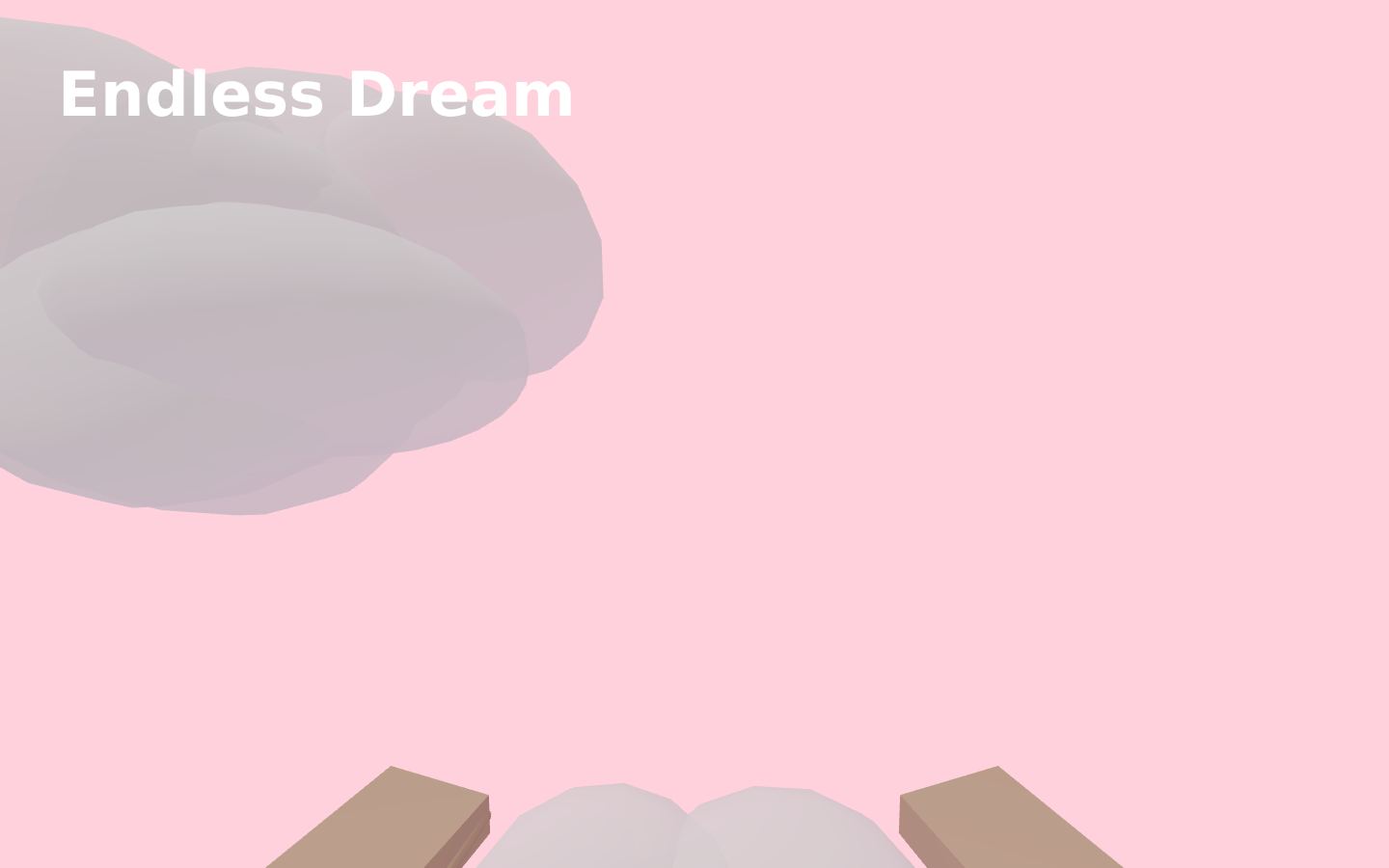
Simulations
Endless Dream
Drift through an endless cloudscape, find your footing and keep exploring.
- Languages
- English
Walk a quiet floating world in Endless Dream. Explore the sky with touch controls or a keyboard, adjust graphics and pause whenever you want.
How to use it
- Press Enter to step into the sky.
- Walk with WASD or the arrow keys.
- Move the mouse to look; click the scene if the mouse gets free.
- Walk off a cloud's edge to fall and land on the next one below.
- Use Pause in the toolbar whenever you want a break.
Keyboard
- WASD / Arrow keys
- Walk
- Mouse
- Look around
- Click
- Capture the mouse
- Esc
- Free the mouse
Phone
- Joystick
- Walk
- Drag the screen
- Look around
- Pause
- Take a break
Questions and answers
- Do I need an account?
- No. Open the simulation directly in a recent browser.
- Which controls can I use?
- Touch input on phones and a mouse or keyboard on computers. Graphics settings let you reduce rendering cost.