All simulations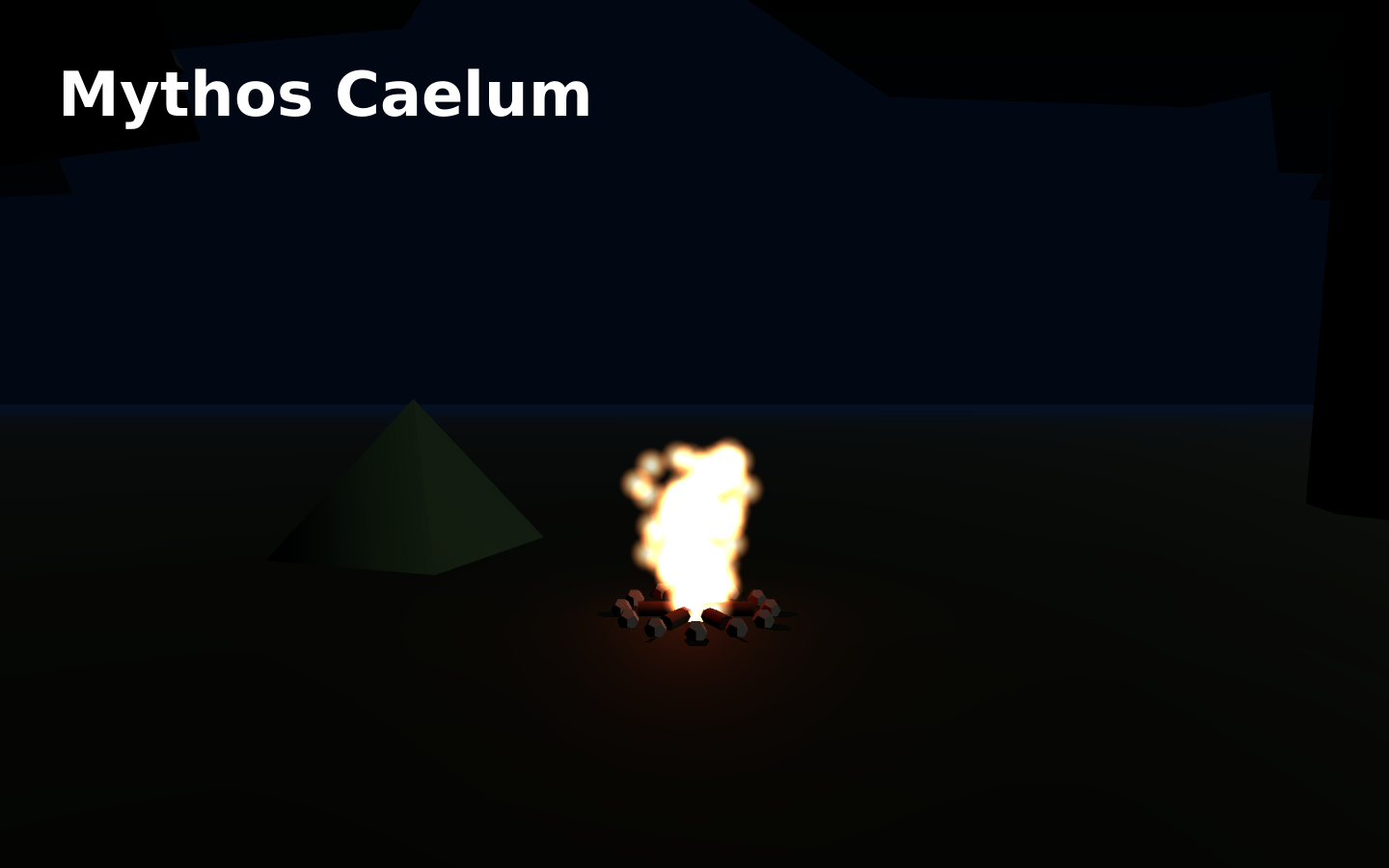
Simulations
Mythos Caelum
Explore the planets and their mythological stories above a campfire.
- Languages
- English, Turkish
Explore planets and their mythological stories in Mythos Caelum. Select a planet, orbit the scene and read its story in your preferred language.
How to use it
- Pick a language and press Enter the night.
- Choose a planet from the planet bar to fly to it.
- Read its Roman and Greek story in the panel.
- Drag to look around; scroll or pinch to zoom.
- Press Esc or Camp to return to the fire.
Keyboard
- Mouse drag
- Look around
- Mouse wheel
- Zoom
- Esc
- Back to camp
Phone
- Drag
- Look around
- Pinch
- Zoom
- Planet buttons
- Visit a planet
- Camp
- Back to camp
Questions and answers
- Do I need an account?
- No. Open the simulation directly in a recent browser.
- Which controls can I use?
- Touch input on phones and a mouse or keyboard on computers. Graphics settings let you reduce rendering cost.