All simulations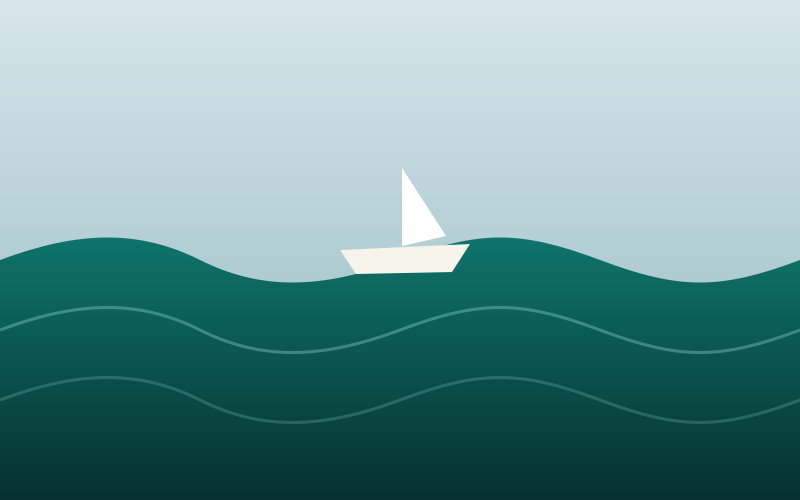
Simulations
Open Sea
A wave train from glass to storm, and a hull that rides the water you can see. From ChefLab.
- Languages
- English, Turkish
Open Sea is a simulation of real waves: set the sea state and watch a hull pitch and roll on the same water you see.
How to use it
- Pick a sea state and the light in the panel.
- Steer with WASD or the arrow keys; on a phone, use the joystick.
- Drag to orbit the camera; scroll or pinch to zoom.
- Watch wave height, wind, hull roll and speed change.
- Press Return to centre to reset the boat.
Keyboard
- W / Up arrow
- Speed up
- S / Down arrow
- Slow down or reverse
- A D / Left and right arrows
- Steer
- Mouse drag
- Orbit the camera
- Mouse wheel
- Zoom
Phone
- Joystick
- Throttle and steer
- Drag
- Orbit the camera
- Pinch
- Zoom
- Controls
- Show the settings
Questions and answers
- Is it free?
- Yes. It is free to play in your browser, with no download and no account needed. Sign in with LogosVox only if you want your saves and best scores on every device.
- Which controls are supported?
- Touch and mouse controls work in a recent browser. Use the graphics selector to reduce rendering cost.
You may also like
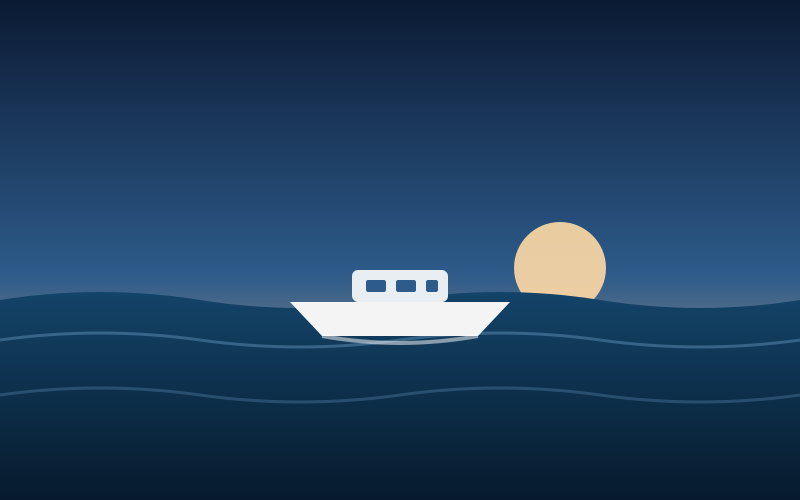 Boat in OceanA boat on an open ocean. Start the engine, steer, and change the weather from sunshine to storm.
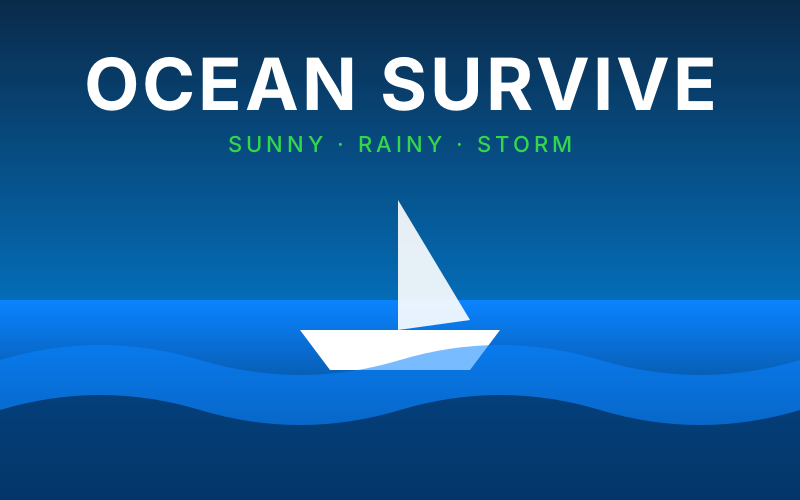 Ocean SurviveKeep a boat afloat on the open sea, through sun, rain and storm.
 Rocket FlightCountdown, staging and a powered descent: thrust against the gravity and the air of a real world. From ChefLab.